Read in a familiar language
Prepare and review five-language translations when publishing.
stayV Host · Multilingual property guidance for international guests
Write once in Korean, then prepare five languages when publishing. Share directions and appliance instructions through one link.
Plus is free during Beta · no payment method requiredTry without signing upGuests do not need to install an app or create an account.
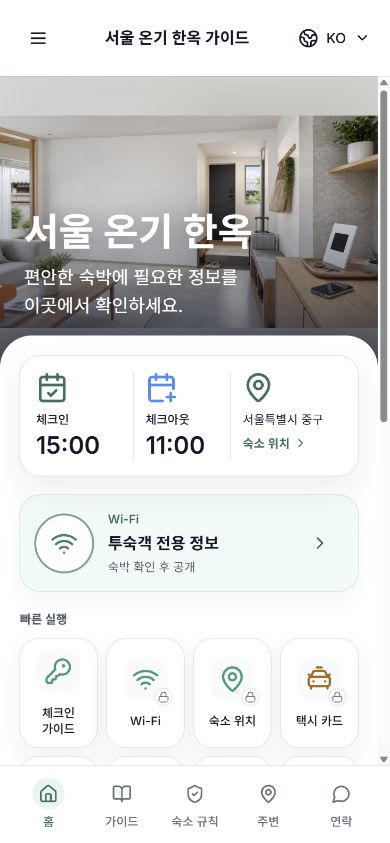
The mobile guide your guests see
Keep your current booking tools. stayV adds the guest guide.
| A guide that is easier to manage than a document | Messages and PDFs | stayV Host |
|---|---|---|
| Updates | Resend the file | Same link updates |
| Finding info | Search a long document | Open by menu |
| Languages | Write each version | Manage supported languages |
| Protected details | Send separately | Separate from public guidance |
Prepare and review five-language translations when publishing.
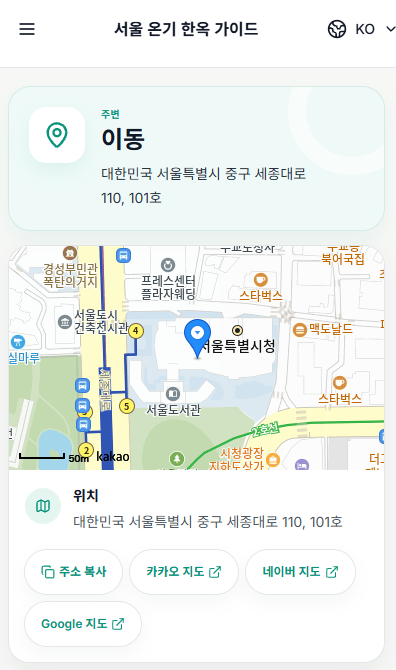
Show addresses and entry details after reservation verification and your configured release time.
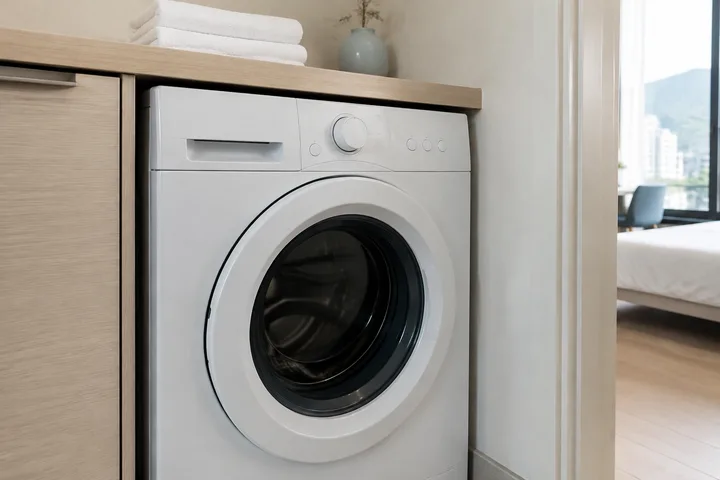
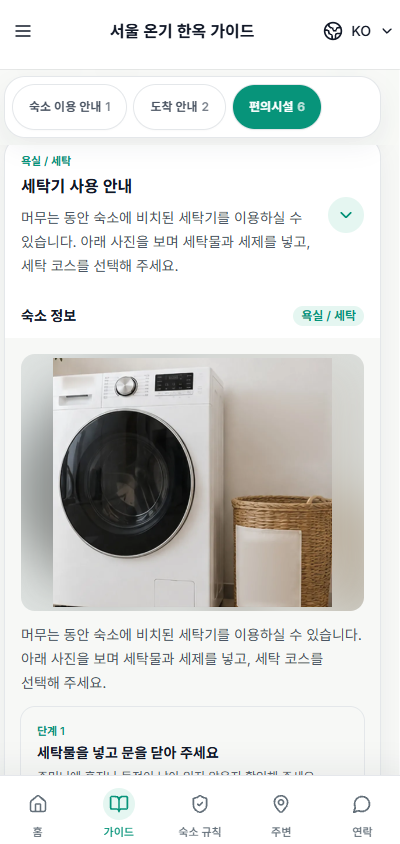
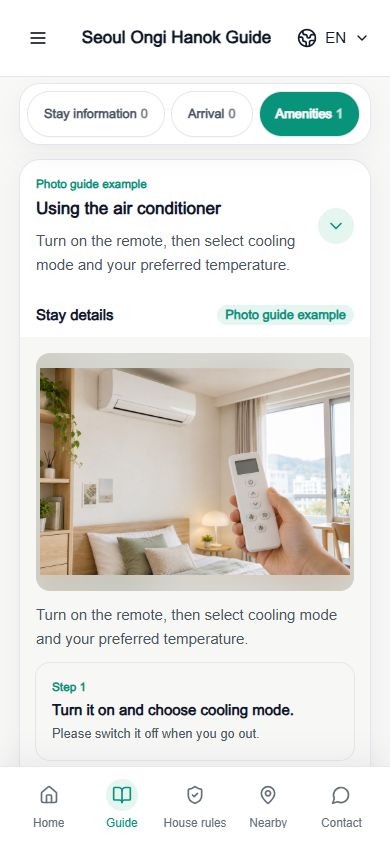
Show tricky equipment such as boilers, wall pads and washers with photos and steps.
What guests see in stayV
Put directions, check-in, Wi-Fi and appliance instructions in one mobile guide.

Host benefits
Complete the key sections, review the guest view and continue into reservation guidance and property operations.
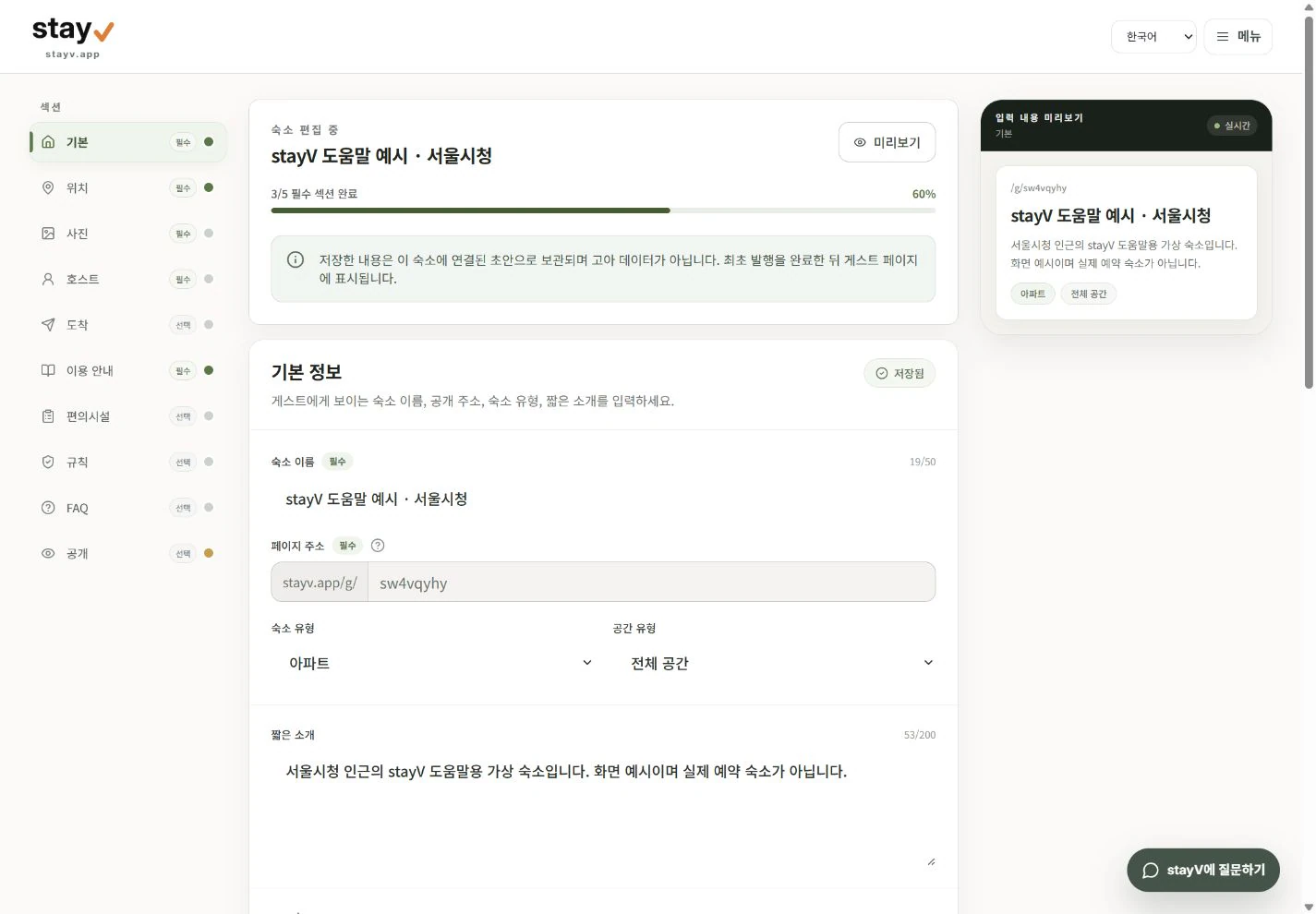
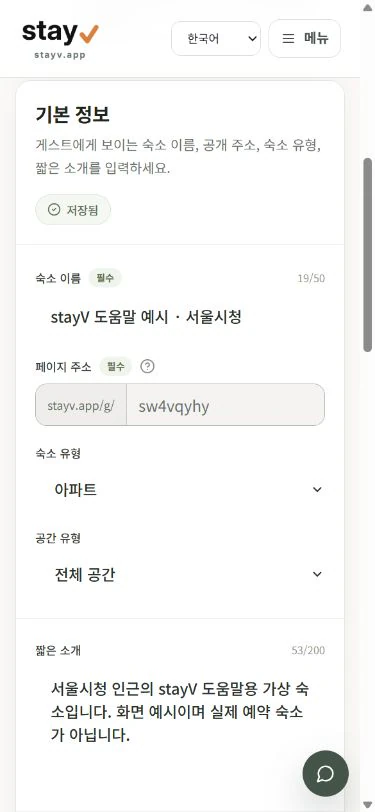
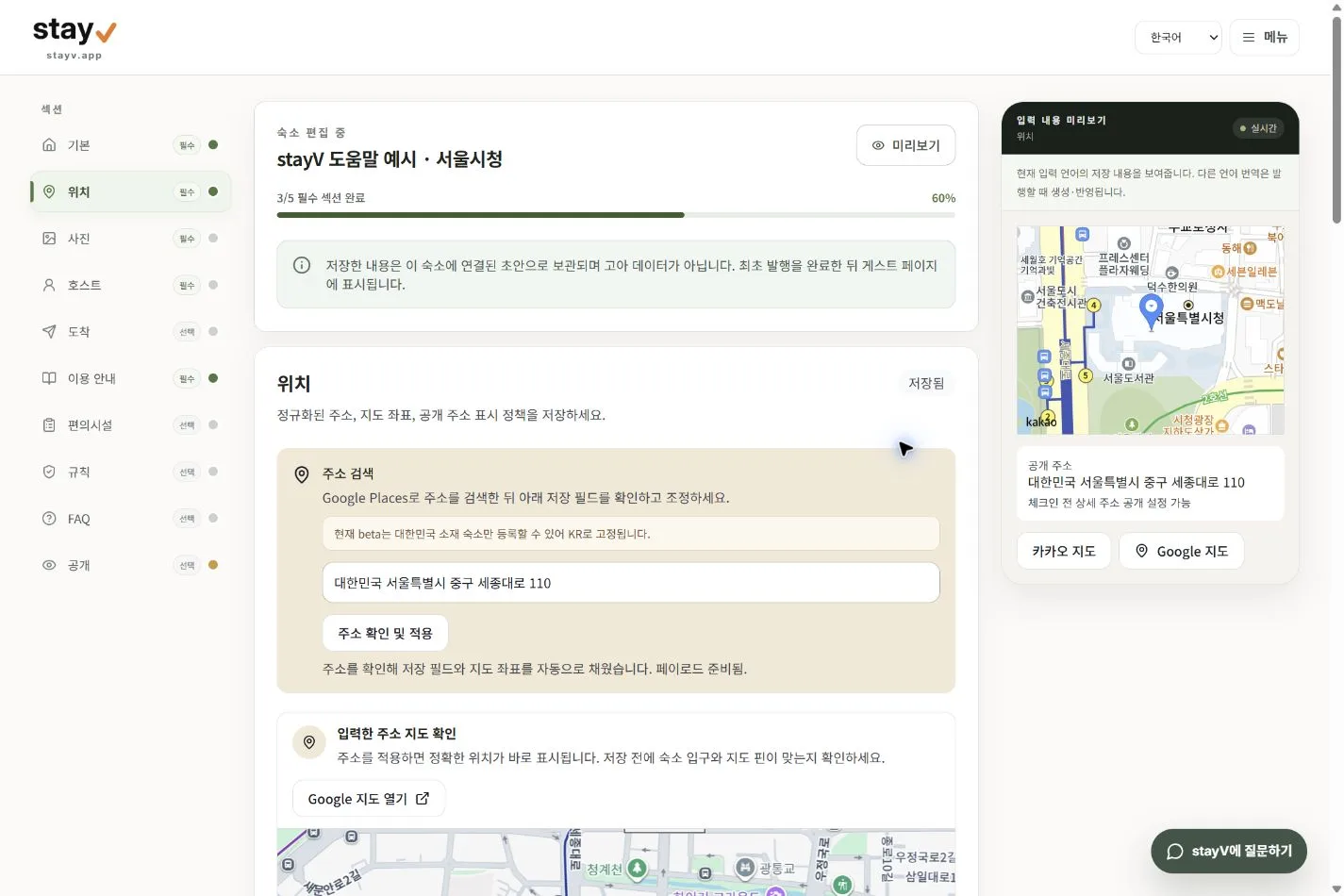
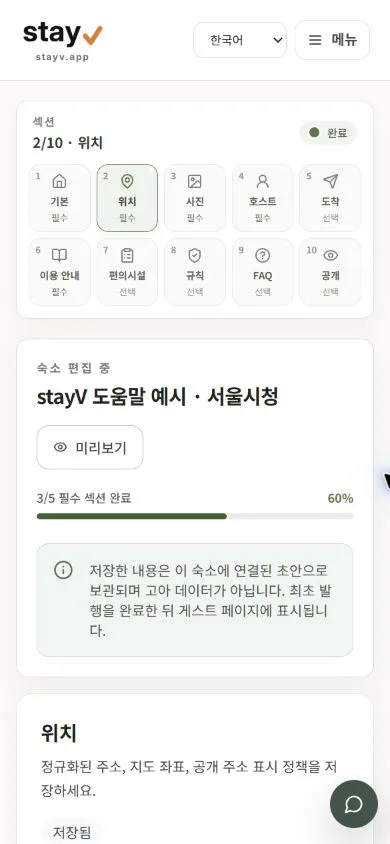
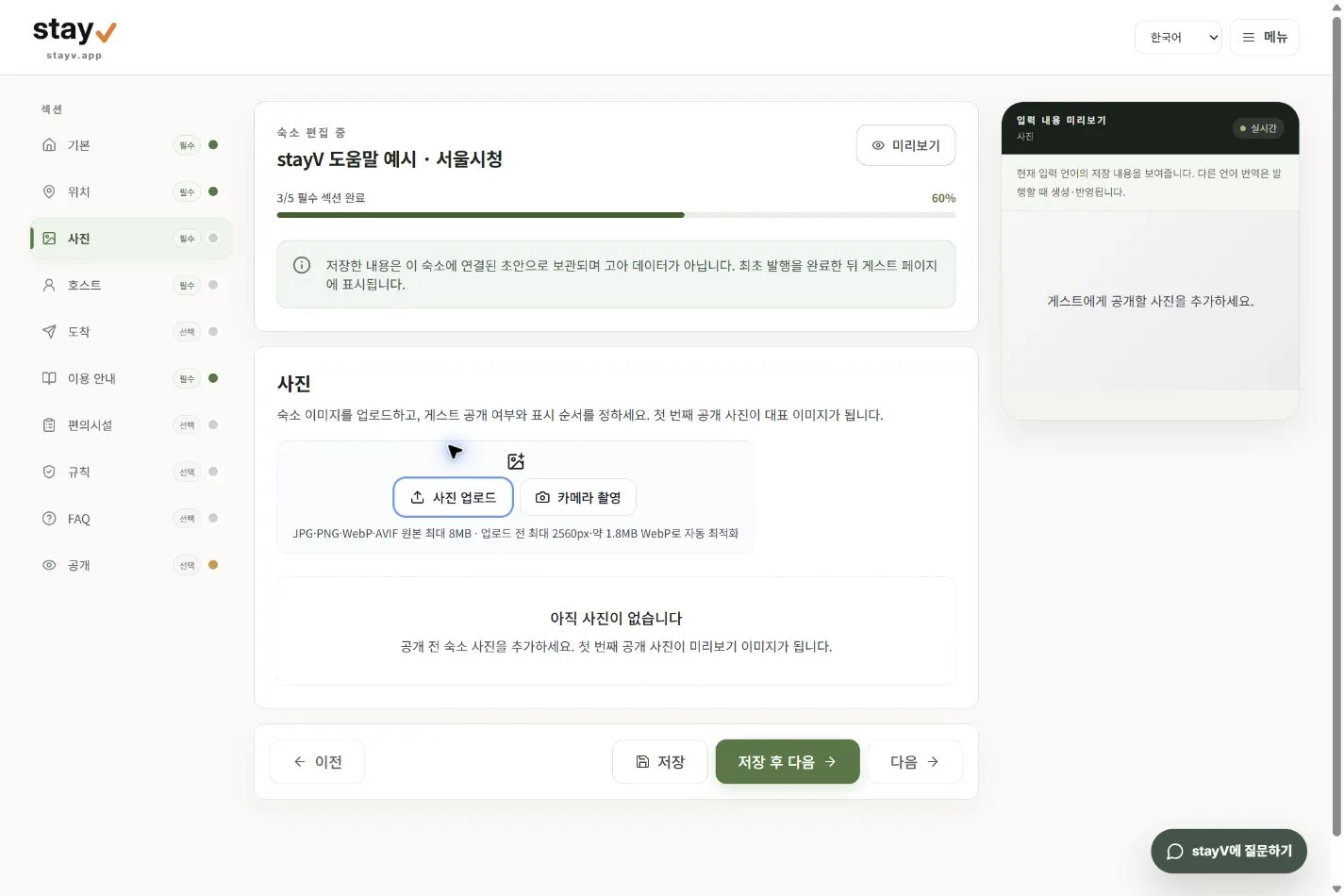
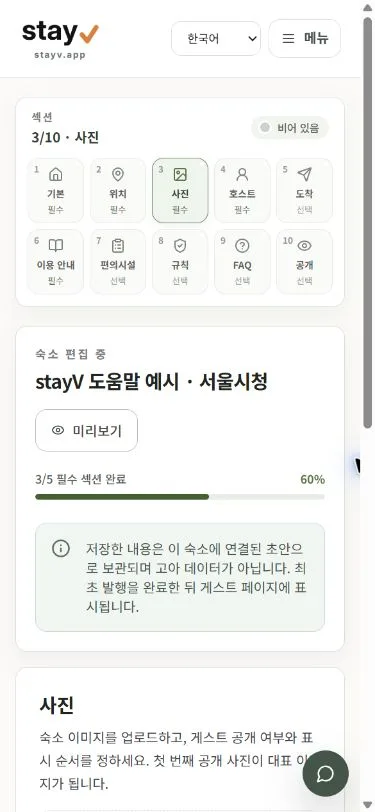
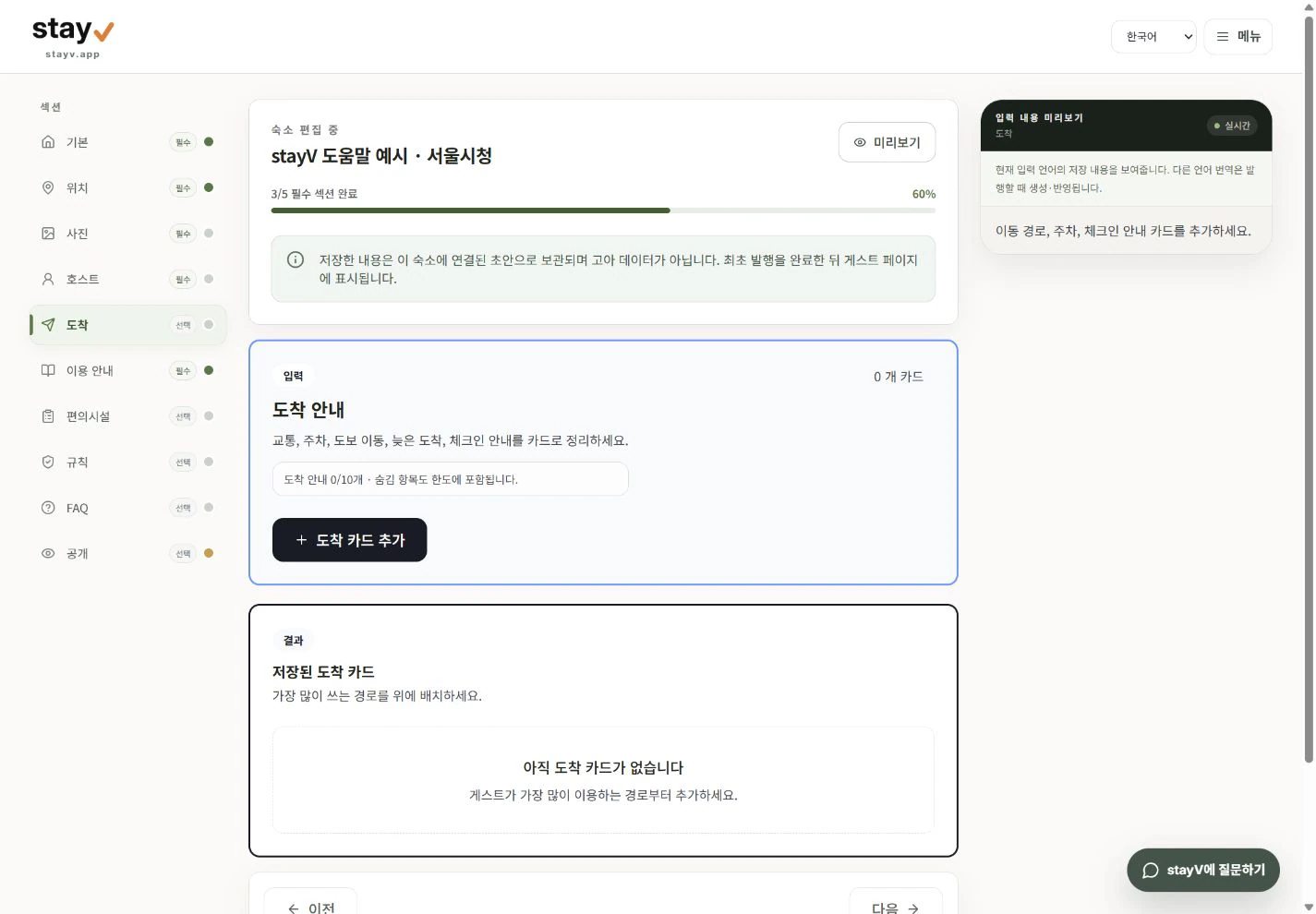
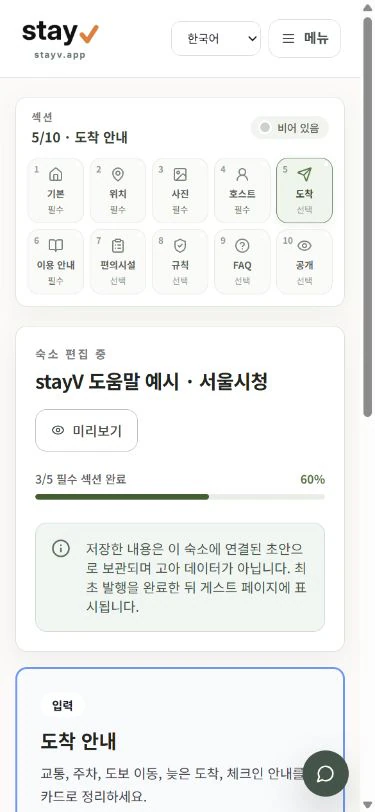
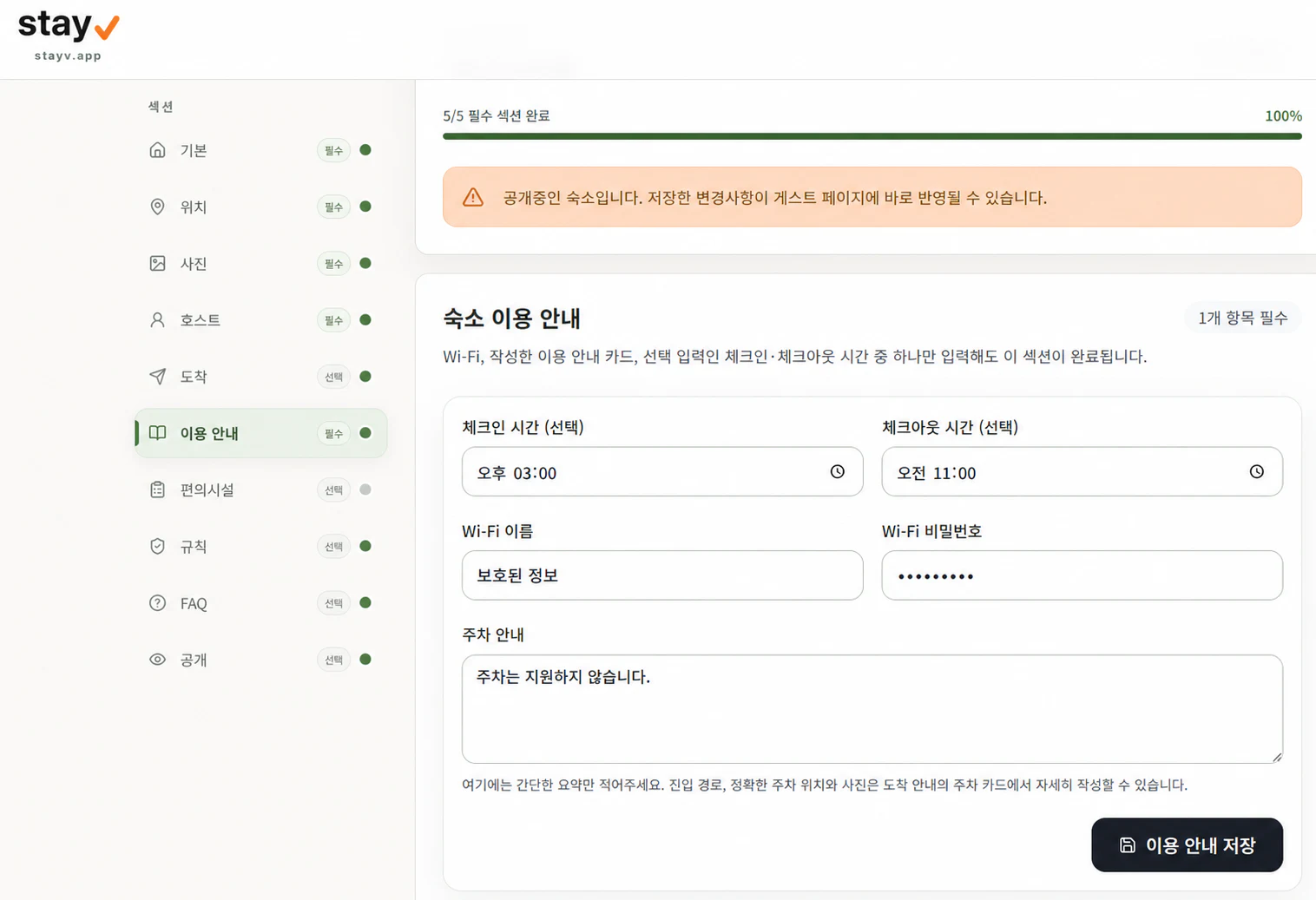
Auto-plays · swipe or choose a section
Basics
Get started
Try it before signup or begin with a Free guide, then choose Plus Beta when you need reservation-connected guidance.
Available now
Free
Essential guidance for one property
See Help and Account for photo, draft and content limits and the permissions applied to your workspace.
Beta · Available now
Free during beta
Reservation-connected guest guidance and operations
Choose from a variety of guest skins
Plus is currently free during Beta. No payment method or automatic paid conversion is required. Future prices will be announced later. Any paid transition will be announced at least one month ahead with its effective date, price, billing and cancellation terms, and will require separate consent.
Invite and inquiry Pilot
Pricing to be announced
Multiple properties and team operations
Choose from a variety of guest skins
See Help and Account for photo, draft and content limits and the permissions applied to your workspace.
Plus is currently free during Beta. No payment method or automatic paid conversion is required. Future prices will be announced later. Any paid transition will be announced at least one month ahead with its effective date, price, billing and cancellation terms, and will require separate consent.
Yes. Keep managing bookings in the tool or booking platform you use today, and add a stayV guide link for guests. Booking-date sync currently supports the Airbnb calendar (iCal).
Also provide the address, check-in time, entry steps, valid entry details and checkout steps through the original booking platform. stayV is an optional companion for photos, languages and appliance instructions. Before sending, check essential details and their release times. Copying does not send a message; delivery records are the host's own confirmation.
Plus and above include basic tasks and cleaning or condition records. Premium Pilot lets you save cleaning instructions, supply quantities and handoff messages to copy or share. You send messages yourself; team roles and assignment depend on your account's approved pilot scope.
No. The link opens in a mobile browser and guests do not need an account.
Anonymous visitors see only public guidance. Free uses a host-shared stayV Guide Code, while Plus uses reservation dates and access steps.
Free provides basic guidance, a shared stayV Guide Code, and a localized address card to show a taxi driver. Plus adds five languages, rich media, Airbnb iCal disclosure, insights, and supported taxi-app opening and destination handoff after stay verification. stayV Host does not dispatch, book or charge for rides.
Plus and Premium create drafts in five guest languages from the host's source text. The host reviews accuracy before publishing.
Yes. After confirmation, you may send an optional stayV Host link with essential check-in instructions in the Airbnb conversation. The public guide restricts pre-booking external contact and lodging transactions. stayV Host is not affiliated with Airbnb.
No. stayV Host provides host-published digital guide software and does not process accommodation bookings, payments, cancellations or refunds.